• Skip to main content
new-logo
  • Home
  • Blog
  • Products
    • Free App
    • Premium Service
    • B2B Products
  • FAQ
  • Contact
  • Company
    • Press Room

examples

Premium User – you are in control

Premium User – you are in control

May 5, 2017 by Administrator

[contentblock id=2 img=gcb.png]
  • Do you have your time-of-day and day of week preferences set properly?
  • You can set preferences for your notifications (in the app…or on your device)
  • If there are users who you want to block or mute, you can do that via the app
  • Do you downvote on messages which you find to NOT be helpful?
    See the results on the Leaderboard
  • And of course there is the snooze feature which you set for as long or short as you want
We’re doing our best to keep the data volumes manageable…and will be enhancing our duplicate-checker soon.
A future version of the app will allow you to limit your alerts by
  • message category
  • duration of the underlying issue


Filed Under: examples Tagged With: features, premium

“How To” Homepage

“How To” Homepage

March 5, 2017 by Administrator

How to…

  • Send An Alert
  • Take a screenshot
  • Find out what version you are running
  • Troubleshoot Push Notifications
  • Troubleshoot subscription/payment/Premium service issues (iOS)
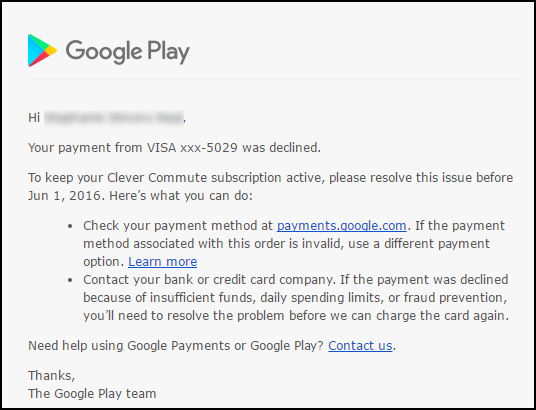
  • Troubleshoot subscription/payment/Premium service issues (Google)
  • Rate/Review an app
    •   o iOS – video / written instructions
    •   o Android – written instructions

Filed Under: examples Tagged With: How To, howto

What’s new in Version 2.3.7

What’s new in Version 2.3.7

February 21, 2017 by Administrator

Improved End-user Experience

  • Added contextual train details to Recent Alerts
  • Added train details to push notifications
  • Removed train details from click-through
  • Improved CSS / look-and-feel for Recent Alerts
  • Added App Help menu option

New Premium Features

  • Holiday reminders / Advice
  • Added train details to Premium e-mails
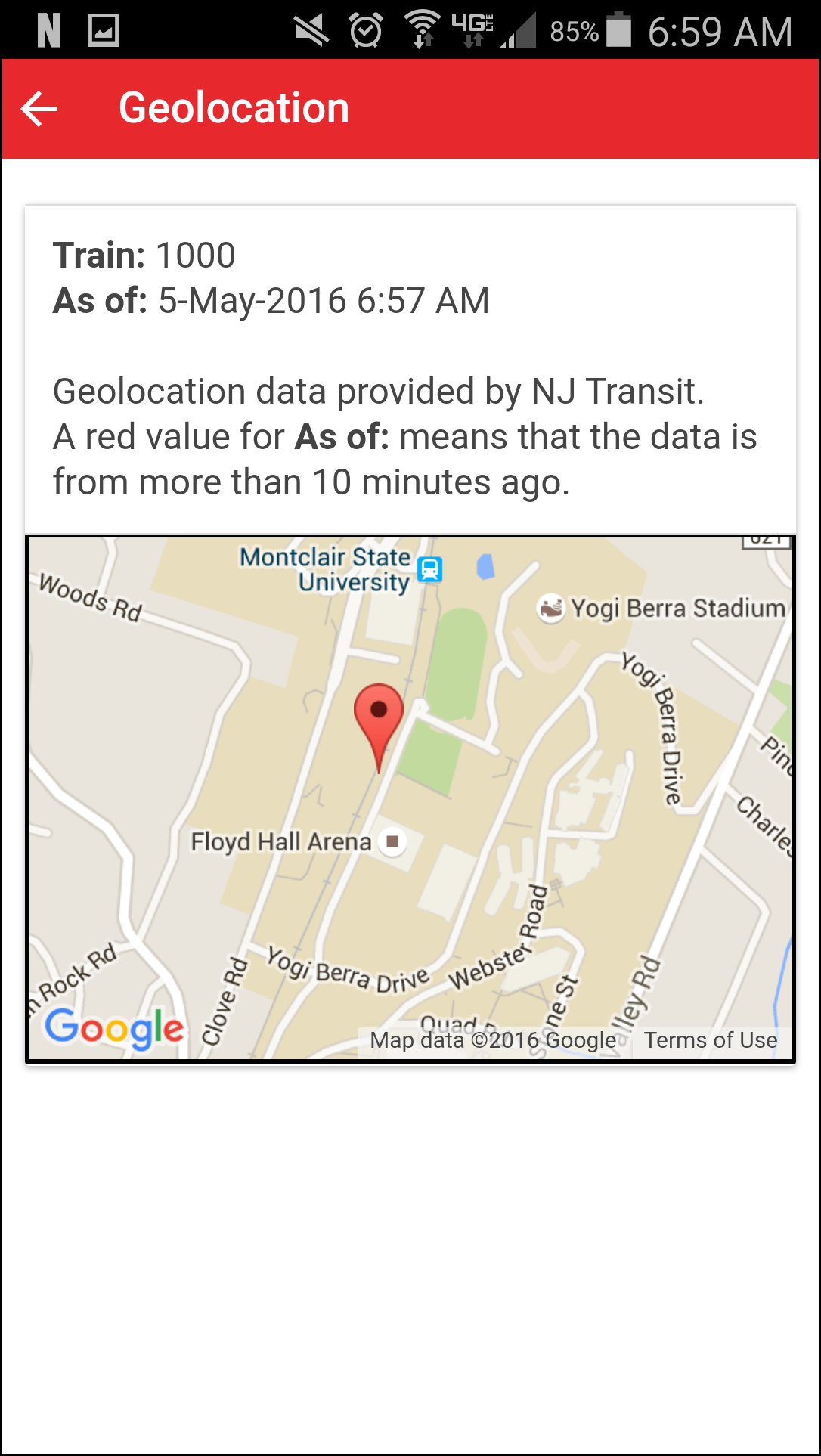
  • Improved rendering of train location and origin when viewing on a map

Bug Fixes

  • Reset iOS badge when the alert expires
  • Train picklist on certain devices
  • Fixed link to FAQ
  • Nickname length error message (and confusion with zip code)
  • Added “None Selected” option for “Your Train”

Filed Under: examples Tagged With: releasenotes

All riders benefit from all sharers

All riders benefit from all sharers

February 12, 2017 by Administrator

Some alerts are only of interest to riders on the route where it happens. Other alerts are of broader interest. Clever Commute supports this need two ways

  1. Some users (including the Admin [Conductor Josh]) have the ability to direct an alert to a wider audience. These are the so-called Rail Warriors.
  2. Clever Commmute technolgy uses artificial intelligence and machine learning to automatically determine if a message is of broader interest.

In either situation, these cross-shared posts are labeled in 2 ways (see picture below)

  • The broadcast icon to the left of the route name
  • The word Source followed by the color-coded name of the route on which it originated
 

This alert was generated by a user who has
Montclair-Boonton Line as their Primary route.


This alert was generated by a user who has
Gladstone-Morristown Line as thier Primary route

Filed Under: examples Tagged With: automation, features

Checking and Updating YOUR Version of the Clever Commute App

Checking and Updating YOUR Version of the Clever Commute App

August 14, 2016 by Administrator

This is a write up of how to use one of the many features of the Clever Commute service. See also:

  • a list of all the How To's
  • About Clever Commute

What version of our app are you running? 

  1. Open the app and tap on the main menu (called “the hamburger”) at the top left corner
  2. Select Help
  3. Select About

The first line of that page shows you the version you are running (e.g. 6.1.0)

What version of the app should you be running? 

Our Release Notes page always shows you the number of our latest version

How to get the latest version? 

We recommend using the Automatic Update feature from your app store

  • iOS
  • Android

Filed Under: admin, App, examples Tagged With: howto

If you are reading this…

If you are reading this…

July 31, 2016 by Administrator

…then you are one of us who are making the to/from to NYC when many others are on vacation 🙁

But we have good news!

Now that version 2.0 of the FREE Clever Commute app hit BOTH the Android and Apple app stores, we are adding features like crazy!
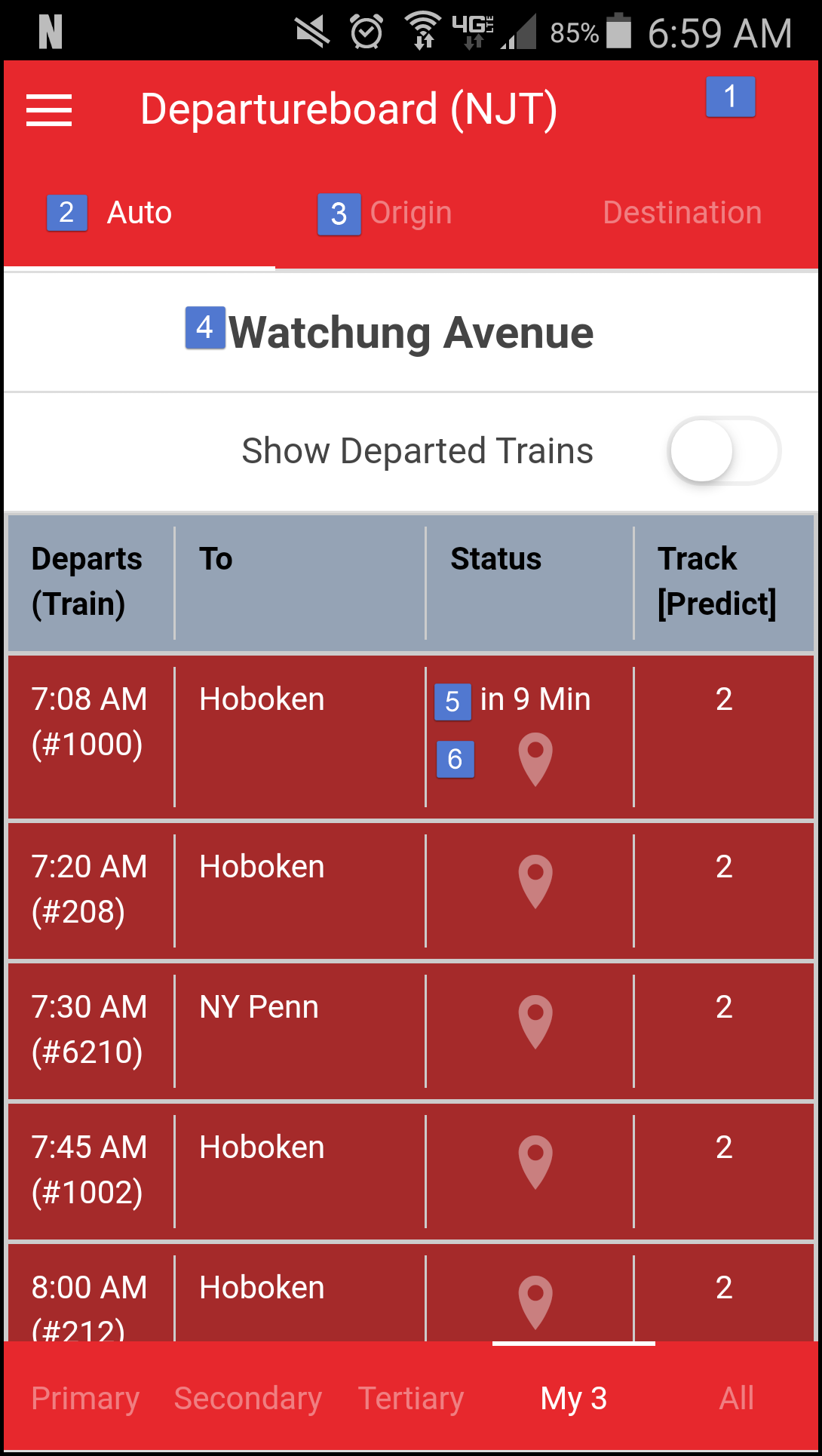
We’re up to version 2.1.5 (are YOU?)…and one cool thing for you to know about is the real-time departureboard.

We have gone way beyond crowdsourced alerts and we now take data directly from LIRR, Metro North and NJ Transit and put it right in the app…for FREE.

NJT riders get an added bonus: It’s personalized so that it only shows you trains you care about…and automatically shows you “AM” vs. “PM” views of he data!

Please check it out by clicking on the main menu in the app (the so-called “hamburger” at the top left of the screen).

(For now, we’re being quiet about all the neat new premium features in the app. More on that soon).

In the meantime, please use the app to share and browse info…and definitely let us know if you have any questions, comments or feedback (feedback at clevercommute daht com)

Thanks!

–Conductor Josh
Filed Under: examples

  • « Go to Previous Page
  • Page 1
  • Interim pages omitted …
  • Page 6
  • Page 7
  • Page 8
  • Page 9
  • Page 10
  • Interim pages omitted …
  • Page 41
  • Go to Next Page »

© 2006-2026 Clever Communicator, LLC. All Rights Reserved.